
Creating a Reliable Home Network: A Guide to Data Cabling and Network Setup


Understanding the Importance of a Reliable Home Network
In today's digital age, a reliable home network is essential. Whether you're working remotely, streaming your favorite shows, or connecting with family and friends, a strong network ensures seamless connectivity. A well-structured network not only enhances your online experience but also supports multiple devices without lag.

Getting Started with Data Cabling
Data cabling is the backbone of your home network. Choosing the right cables can significantly impact your network's performance. Cat 5e, Cat 6, and Cat 6a are popular choices, each offering different speeds and bandwidths. Consider your future needs when selecting cables to ensure longevity and efficiency.
Proper installation is crucial. Ensure that cables are neatly organized and labeled. This not only improves aesthetics but also makes troubleshooting easier. Avoid running cables near electrical lines to prevent interference.

Choosing the Right Network Equipment
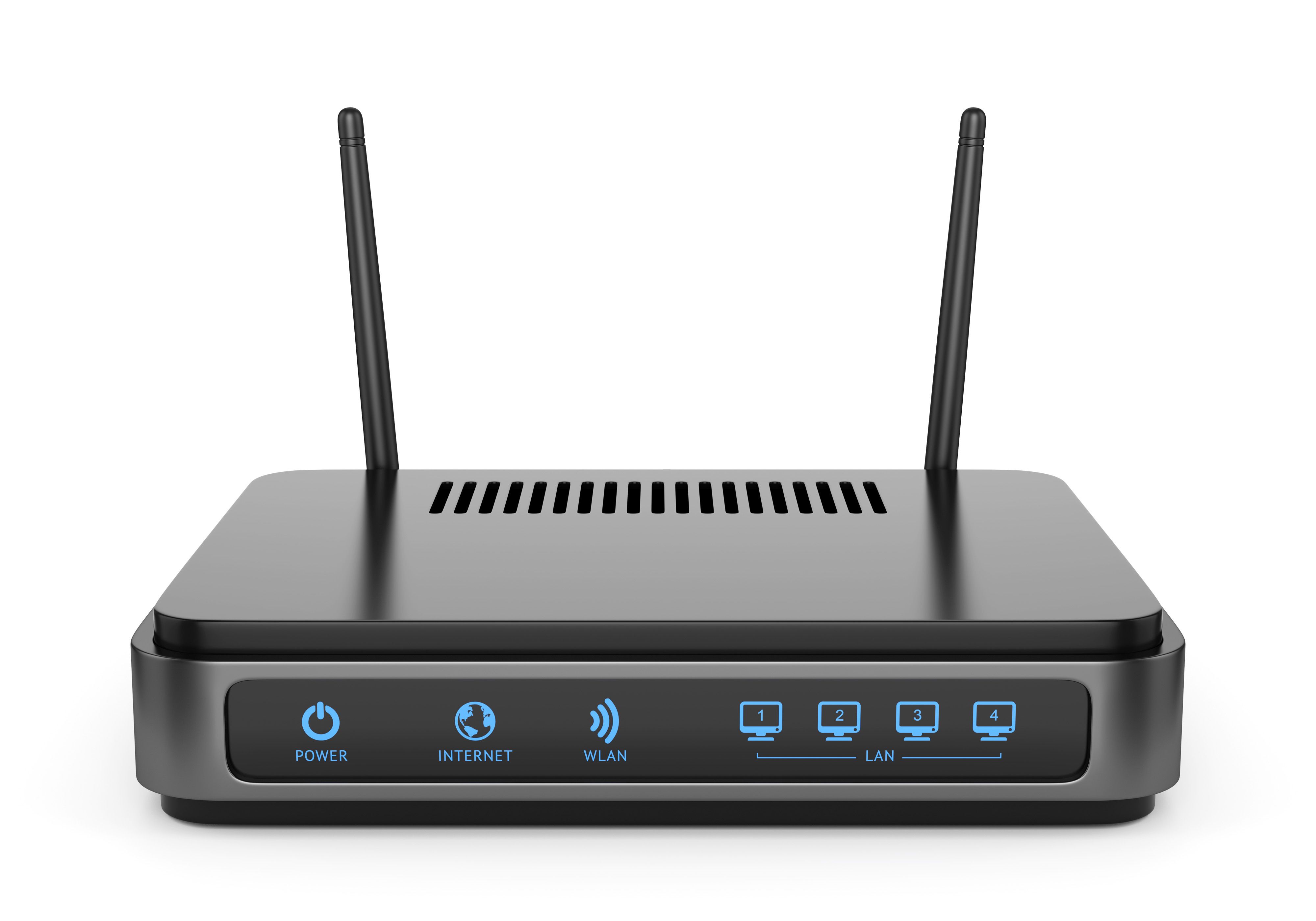
A reliable network requires more than just cables. Routers, switches, and access points play a vital role in distributing your internet connection throughout your home. Choose a router that supports the latest Wi-Fi standards and offers adequate coverage for your space.
Switches can help expand your network by connecting multiple devices. For larger homes, consider using mesh Wi-Fi systems to eliminate dead zones and ensure consistent coverage.
Setting Up Your Home Network
Once you have your equipment, it's time to set up your network. Start by connecting your modem to the router. Then, connect other devices such as computers and smart TVs using Ethernet cables or Wi-Fi. Ensure that your router is placed in a central location to maximize coverage.
Securing Your Network
Security is a critical aspect of any home network. Begin by changing the default login credentials on your router to prevent unauthorized access. Enable WPA3 encryption for Wi-Fi to protect your data. Regularly update your router's firmware to patch security vulnerabilities.
Consider setting up a guest network for visitors. This keeps your main network secure while allowing guests to connect without accessing your personal data.
Troubleshooting Common Network Issues
Even with a well-planned setup, network issues can arise. Common problems include slow speeds, dropped connections, and devices not connecting. Start troubleshooting by rebooting your router and checking cable connections.

If issues persist, use network diagnostic tools to identify problems. Sometimes, interference from other devices can affect performance. Adjusting the router's channel settings can help mitigate this.
Maintaining Your Network
Regular maintenance ensures your network remains reliable. Periodically check for firmware updates and replace outdated equipment. Monitor your network's performance to identify potential issues early.
By following these steps, you can create a robust and reliable home network that meets your needs now and in the future.